


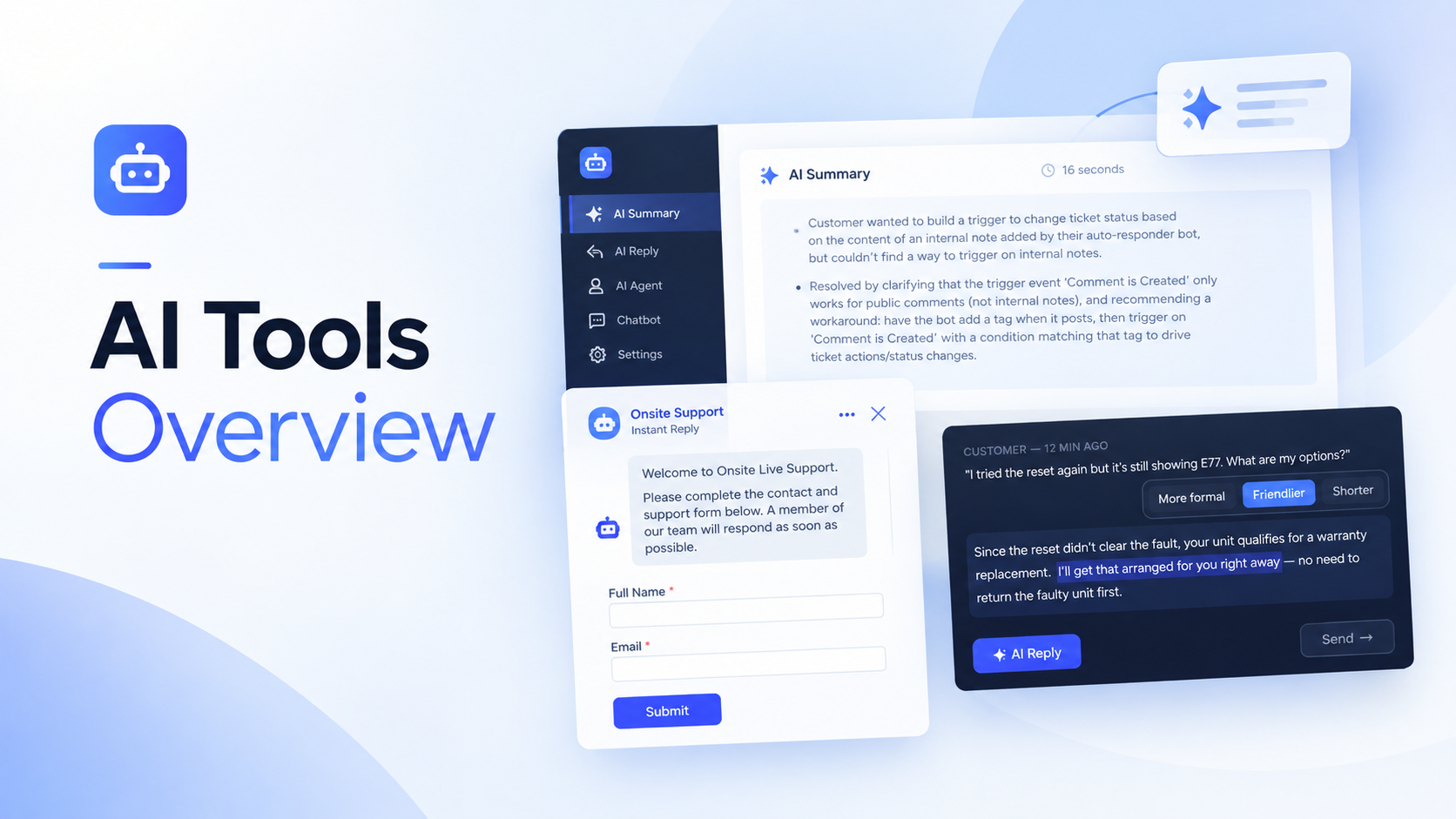
UseResponse includes a suite of AI features designed to help your support team respond faster, handle more tickets, and build a better knowledge base — without hiring more agents.
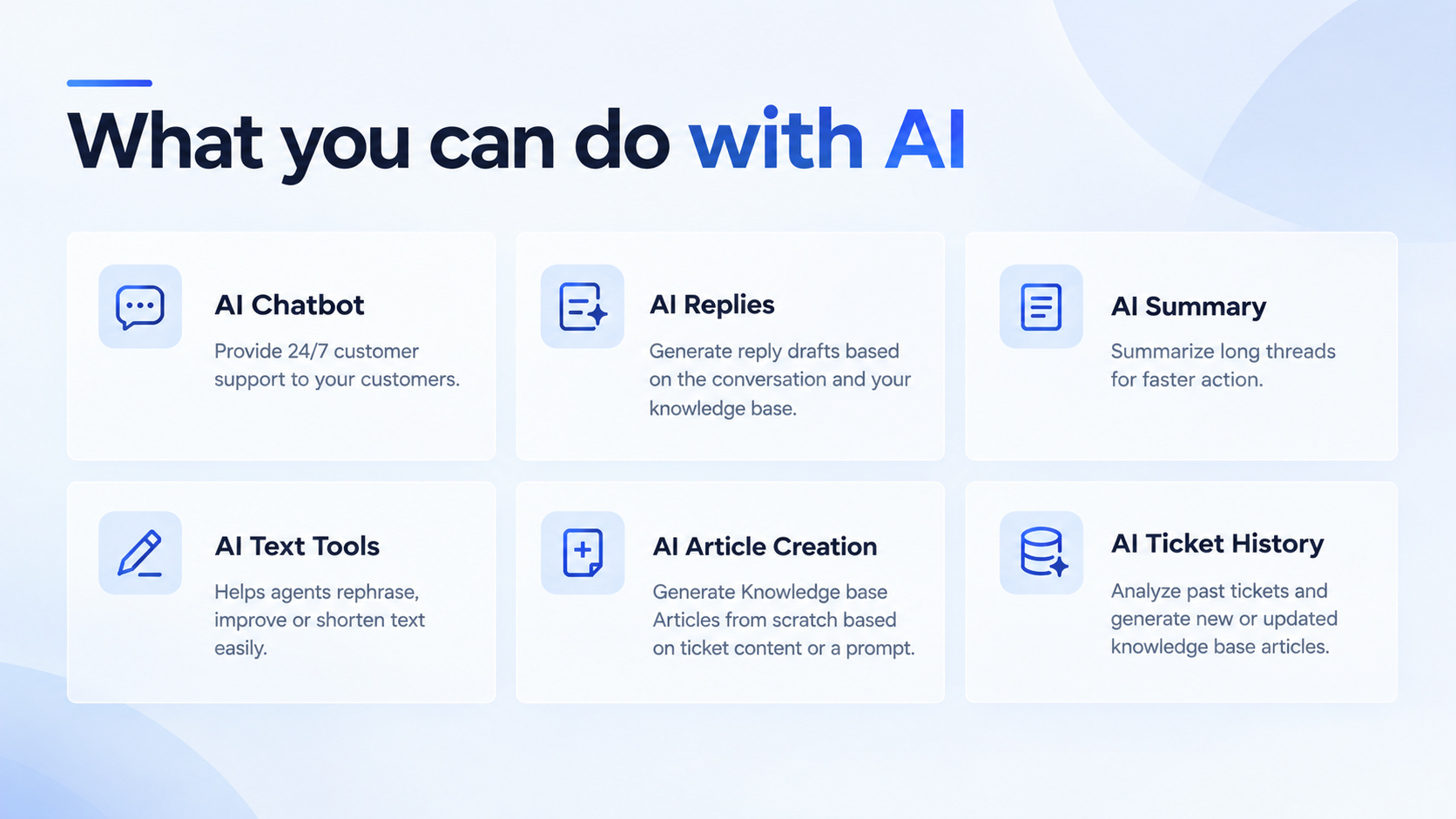
|
AI Tool |
Who can use it |
Description |
|---|---|---|
| AI Chatbot | Your customers | Automatically answers customer questions on your website or support portal 24/7 using relevant articles and FAQs from your Knowledge Base. With the Order Lookup feature, it can also help customers find information about their e-commerce orders. |
| AI Replies | Agents and admins with the required permissions | Drafts replies based on ticket content and your Knowledge Base. Available for tickets only. |
| AI Summaries | All agents and admins | Summarizes tickets so agents can understand the issue without reading the entire conversation. Summaries include the issue description, troubleshooting steps taken, and suggested next steps. Available for tickets only. |
| AI Text Tools | All agents and admins | Helps agents rephrase, improve, or shorten text while composing a reply. Available for tickets, topics, and chats. |
| AI Article Creation | Admins and agents with the Manage Knowledge Base permission | Generates Knowledge Base articles from conversation content. Available for tickets only. |
| AI Ticket History | Admins | Analyzes past tickets and suggests new or updated Knowledge Base articles. |
| AI Usage | Admins | Displays your team's token consumption, plan details, and usage breakdown. |
Before You Begin
To kick off using UseResponse AI Suite, please enable the application first:
Cloud plan: Login as Administrator, Go to Applications, search for AI Agents and enable the application.
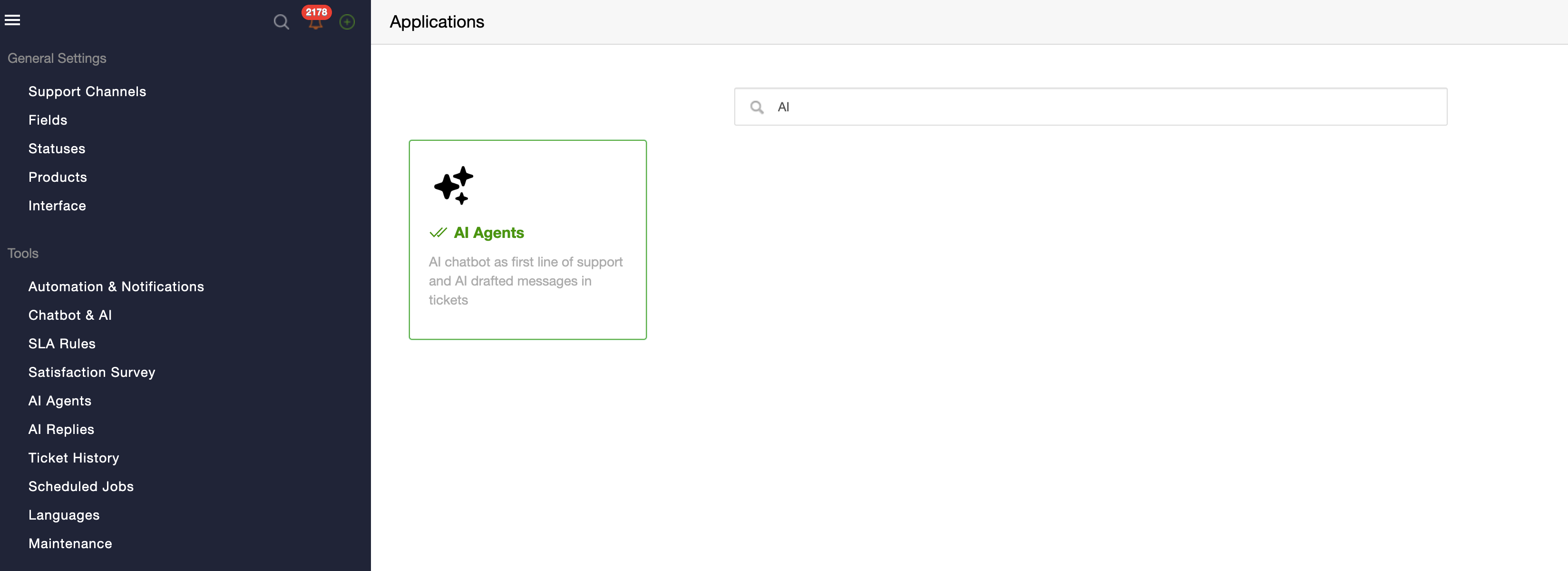
After that, AI tools will automatically appear in the Administration area in Navigation:
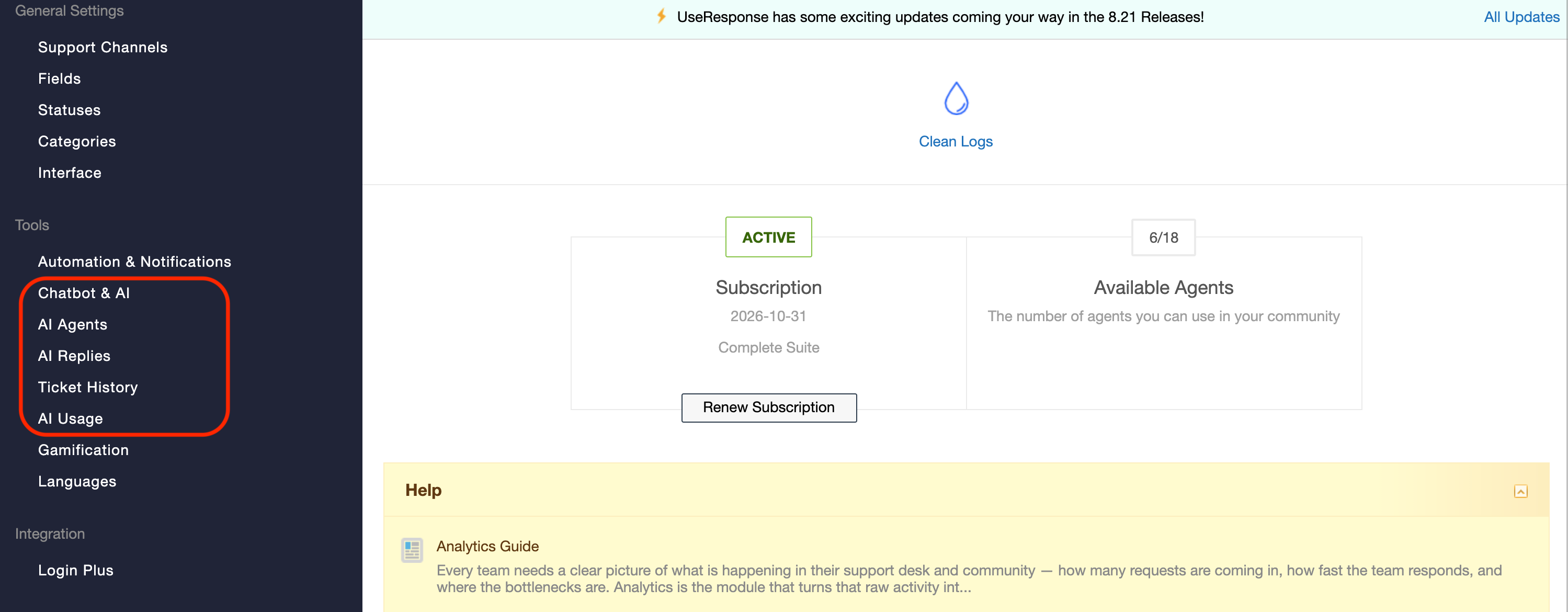
Self-Hosted plan: please contact our support and we will enable AI for you.
Most tools in the UseResponse AI suite use your Knowledge Base and FAQs as reference material to generate relevant, accurate content. Before enabling these tools, make sure your helpdesk has the necessary data available.
For AI Chatbot and AI Replies
- Knowledge Base articles and FAQs: Add at least one article or FAQ to your Knowledge Base before enabling these tools. Without reference material, AI may be unable to answer questions and will often indicate that no relevant information is available.
- AI Agent: Create at least one AI Agent to use AI Chatbot and AI Replies. You can create a single universal AI Agent or several specialized agents tailored to different topics, customer needs, or internal tasks.
For AI Ticket History
- Closed tickets: Make sure your account contains completed tickets. AI Ticket History analyzes closed tickets to identify patterns and suggest improvements.
Plans and Token Usage
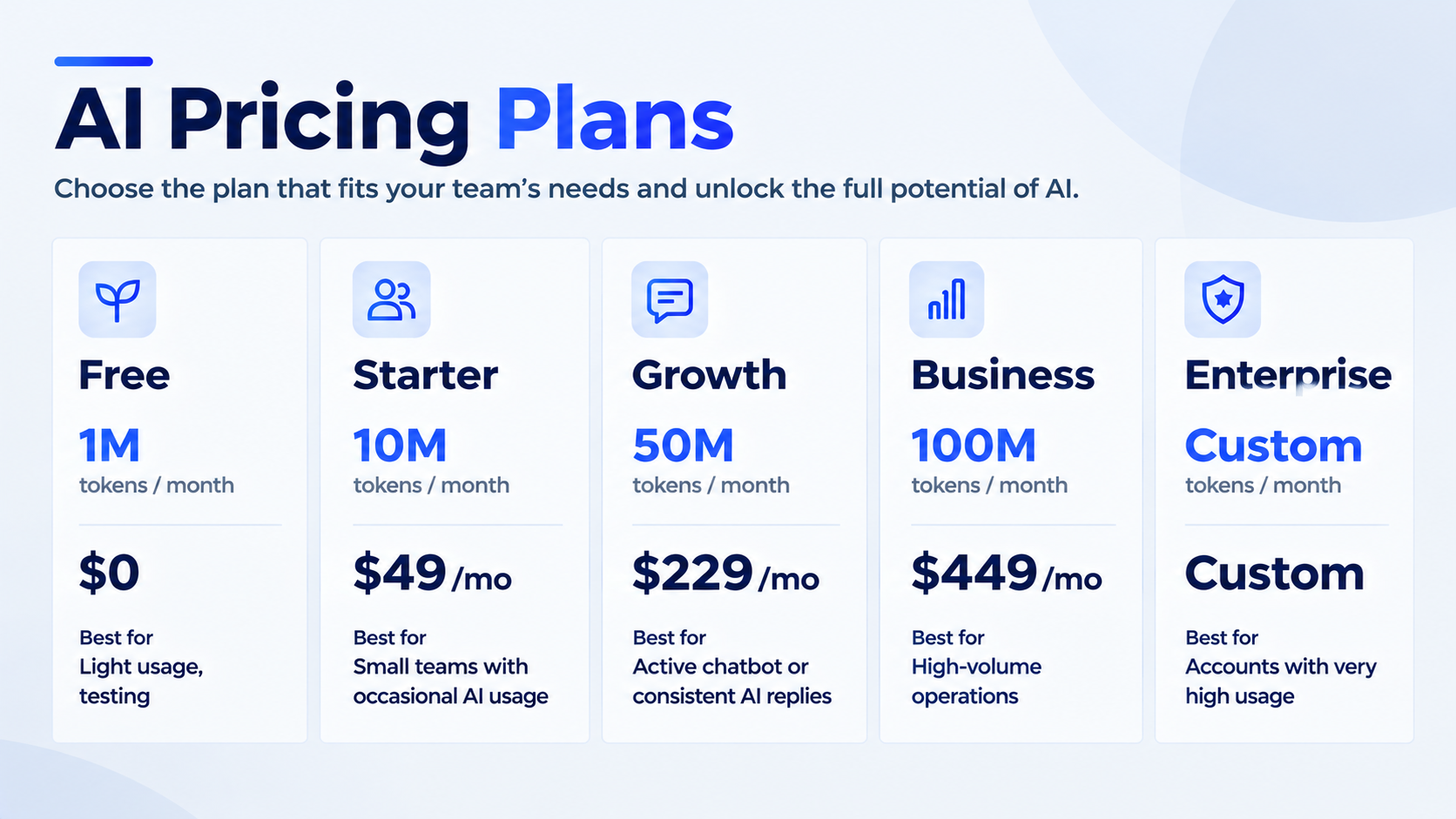
Every account comes with 1M free tokens per month to help you test and explore
|
Plan |
Tokens / month |
Price |
Best for |
|---|---|---|---|
| Free | 1M | $0 | Light usage, testing |
| Starter | 10M | $49/mo | Small teams with occasional AI usage |
| Growth | 50M | $229/mo | Active chatbot or consistent AI replies |
| Business | 100M | $449/mo | High-volume operations |
| Enterprise | Custom | Custom | Accounts with very high usage |
What happens if you run out of tokens?
If you reach your monthly limit, AI features pause automatically so you never receive surprise charges.
The chatbot switches to rule-based mode to keep assisting visitors. Everything resets automatically at the start of your next billing cycle, or immediately if you purchase add-on tokens or upgrade your plan.
You'll always know how much of your AI usage limit you've used. We'll notify you when you reach 80% and 95% of your token limit.
Token Add-ons
Reached your AI usage limit due to a temporary increase in demand, but don't want to upgrade your plan permanently? Purchase a one-time token add-on to get the extra capacity you need.
| Pack | Extra tokens | Price |
|---|---|---|
| Small | +10M tokens | $69 |
| Medium | +20M tokens | $119 |
| Large | +50M tokens | $269 |
Add-on tokens expire on your next monthly reset date, regardless of whether you have a monthly or annual subscription.
How to Change Your Plan or Purchase a Token Add-on
Contact UseResponse Support, and we'll be happy to help you choose the best option for your needs and arrange your plan change or token add-on purchase.
AI Tools Setup Instructions
Select an article below to follow the step-by-step setup guide for each AI tool available in UseResponse.
AI Agent Overview
Use this guide to learn how to create AI Agents for your Chatbot and AI Replies
Draft messages with AI Replies
Configure AI Bot, AI Order Lookup & AI Conversations
Add AI Bot widget to your support portal, inform customers about their orders with AI Order Lookup and review AI Bot data in AI Conversations.
AI Summary and AI Text Tools
Use AI to summarize lengthy ticket conversations and help your agents write clear, accurate replies faster.
Create Knowledge Base with Ticket History and Generate Articles from conversations
Manage AI Usage
Monitor your token usage, review historical trends, and request plan upgrades or additional token add-ons.