

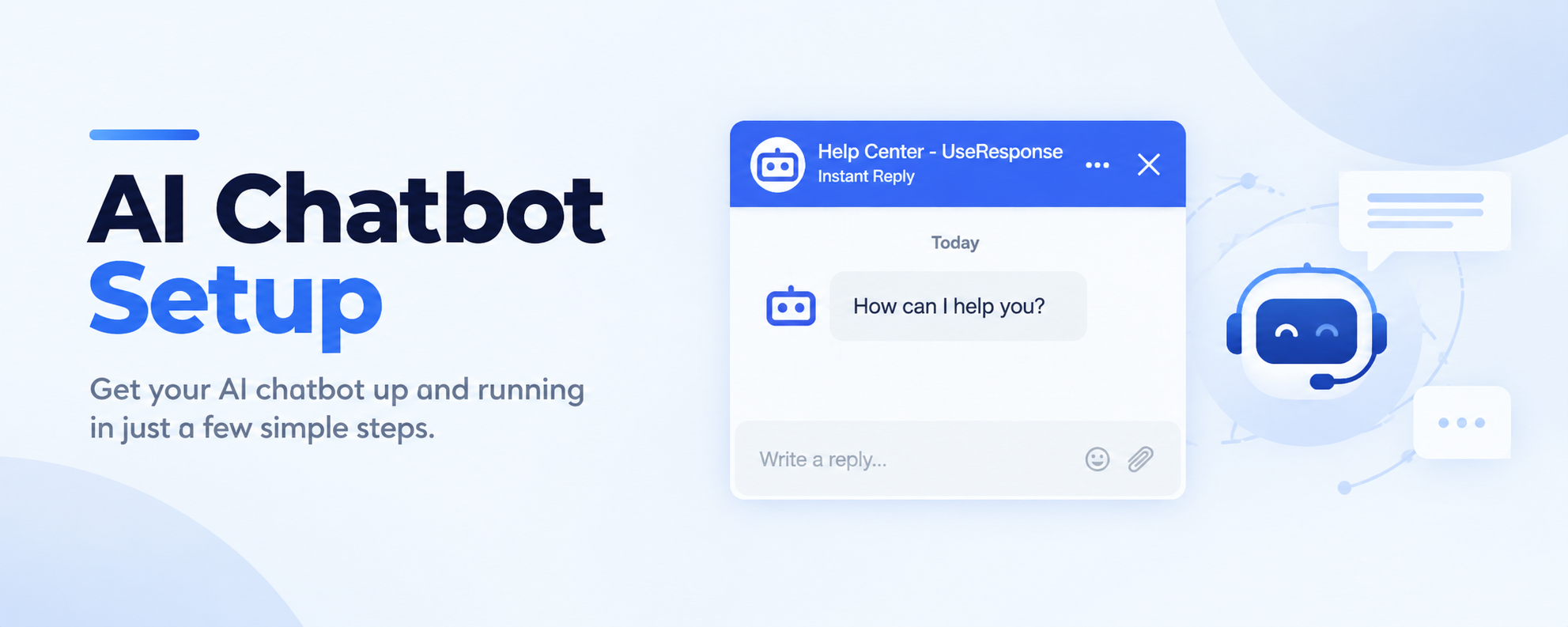
The AI Chatbot is a widget you can add to your website or customer support portal to answer customer questions automatically using your Knowledge Base as its source of information.
Unlike a traditional FAQ widget, the AI Chatbot understands natural language, allowing customers to ask questions in their own words and receive relevant answers. If it cannot find a suitable answer, the conversation can be escalated to a human agent.
In UseResponse, AI Chatbot is configured as a step in a widget scenario. This gives you the flexibility to decide when the AI engages with customers. For example, you can set it to start after a customer submits their contact information or completes a form.
How AI Chatbot Works
- The customer asks a question. They open the chat widget and type their question in their own words.
- AI generates an answer. The AI searches your Knowledge Base for relevant information and uses it to generate a response. Customers can continue asking questions for as long as they need.
- The customer can request human assistance. If the AI cannot resolve the issue, the customer can ask to speak with a support agent.
- The conversation is transferred to your helpdesk. A chat is created in your helpdesk, with the full conversation history available to the agent. The AI Chatbot works on your website or support portal only — it cannot read or reply to messages from external marketplaces like Amazon or eBay.
How to Set Up AI Chatbot
1. Enable AI Agents: Go to Administration → Applications and enable AI Agents.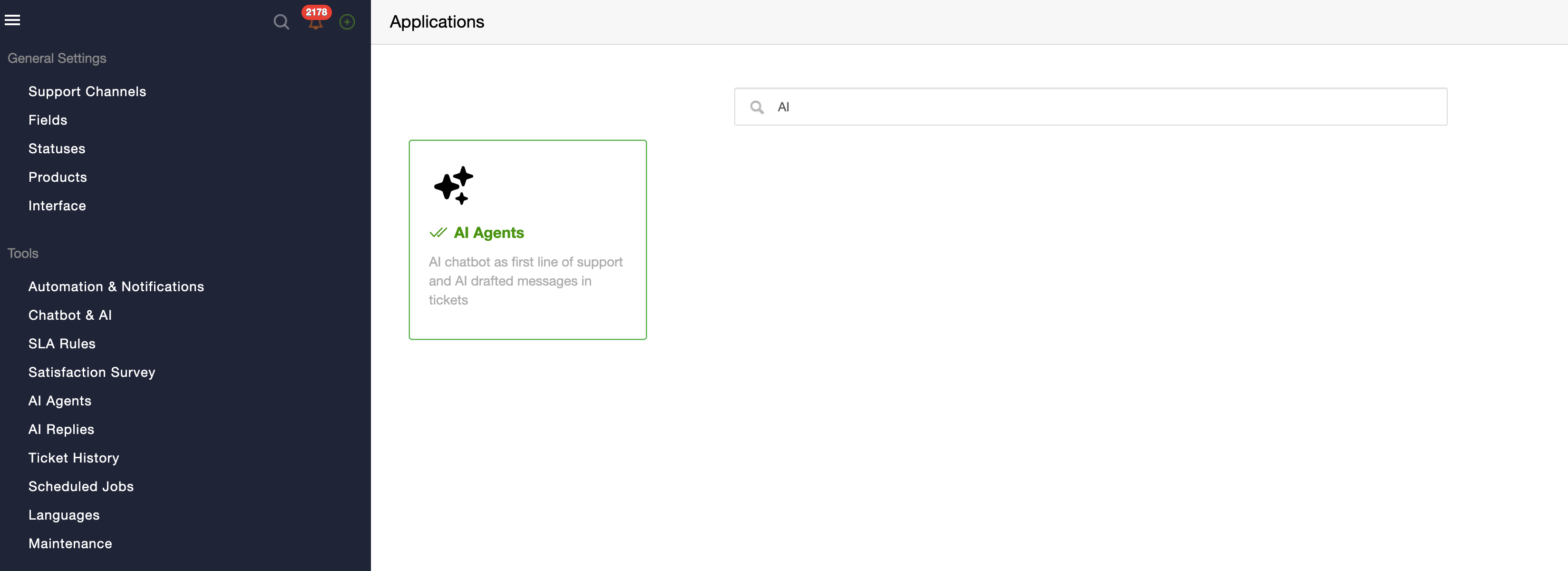
2. Create an AI Agent: Create an AI Agent to use with your Chatbot. [Learn how to create an AI Agent here.]
3. Configure your scenario: Add the AI Bot as a step in your widget scenario.
4. Add the Chatbot widget: Embed the widget on your website or add it to your Onsite portal.
Click here to learn how you can create chat widget and connect it to your portal.
AI Conversations
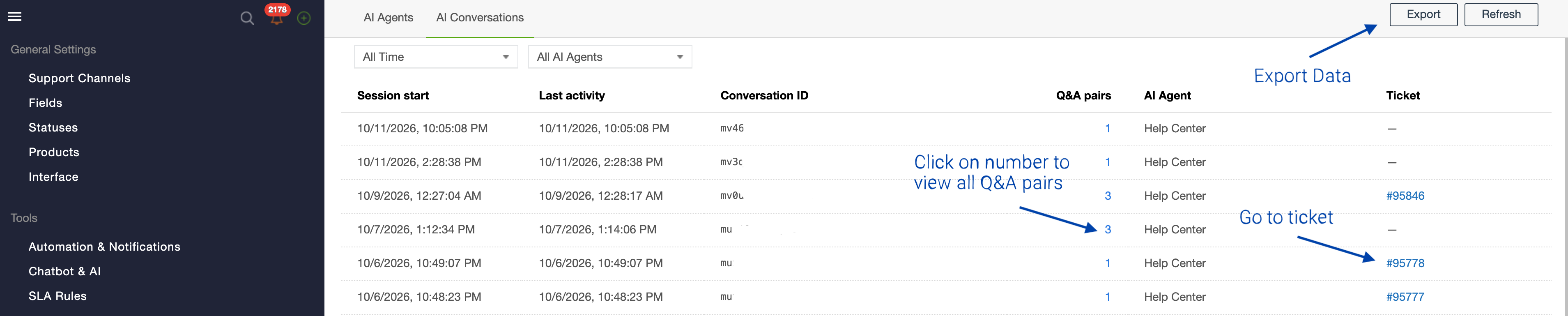
AI Conversations lets you review and monitor interactions handled by your AI Chatbot. Use it to see how conversations progress, which ones are resolved by AI, which are escalated to a human agent, and how customers rate the AI's responses.
To review your chatbot's performance, go to Administration → AI Agents → AI Conversations.
What You Can Access
- Conversation ID
- Q&A Pairs: click on QA number to see the full conversation between bot and customer. You will also see the Source – articles that bot used to reply.
- Linked tickets: If the conversation led to chat or ticket creation, you'll be able to view its ID and access it.
- Data Export